Control Rust and Surface Wear with ArtBrush Weathering
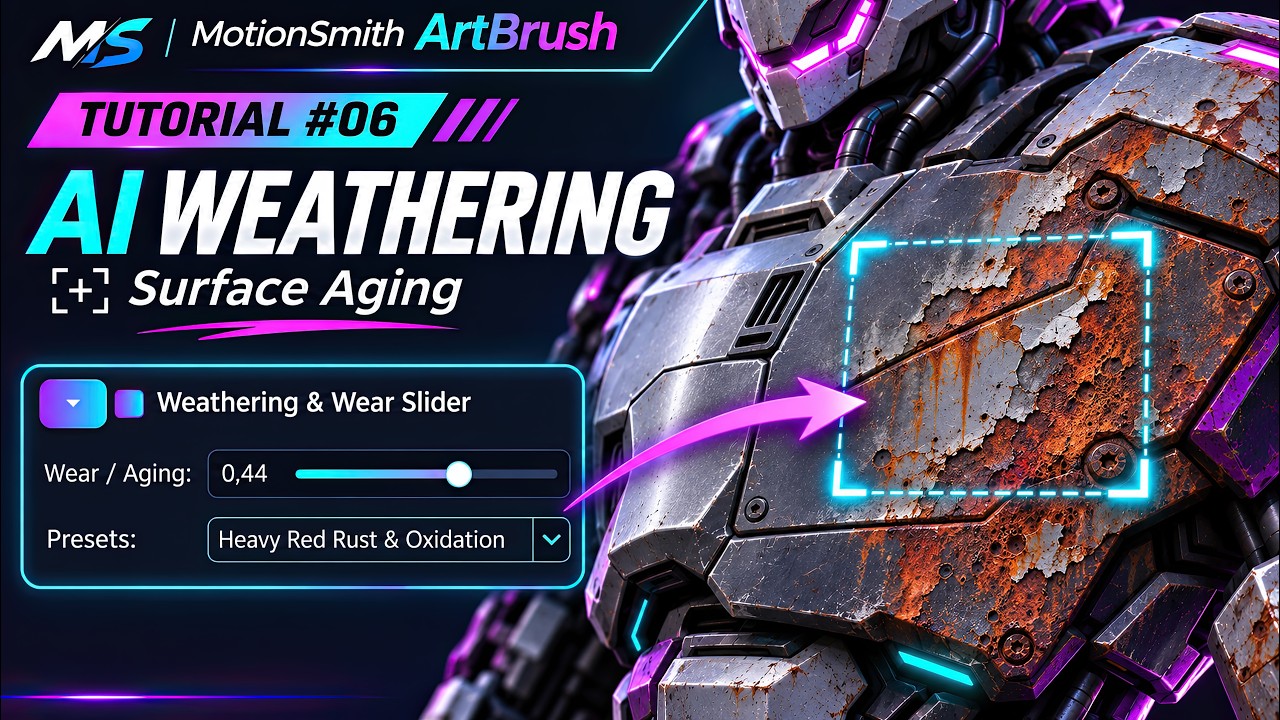
Useful wear tells you how an object was handled or exposed. The ArtBrush weathering lesson shows how to vary a clean industrial surface with presets, compatible LoRAs and prompt controls.
Give wear a location and purpose
- Start with a clean texture and identify the places where wear would collect, such as a handle, an exposed edge or a recess.
- Pick the weathering preset for the active model family. Change the wear control in small increments and compare the output to the clean starting point.
- Use the prompt suffix to narrow the material change. Review whether the generated rust or peeling paint remains plausible when the model is rotated.
Check for a consistent material value beneath the distress. On a service panel, a readable label or paint color may matter more than adding another layer of corrosion.


Comments
Post a Comment